

The door runs on the phones you already have
Door staff open tonight's event, point the camera at a ticket and read the verdict in green or red. No scanners to rent, no laptop at the entrance.
Coming in November 2026
Open the event once while online and the phone keeps checking tickets without a connection. Scans sync when it is back.
Arrivals by ticket type and in 15-minute intervals, the same on every phone at every door.
Find a guest by name, type the 12 characters under a QR code, and undo a check-in when needed.
Door staff sign in with their own account, so your login never leaves your hands.
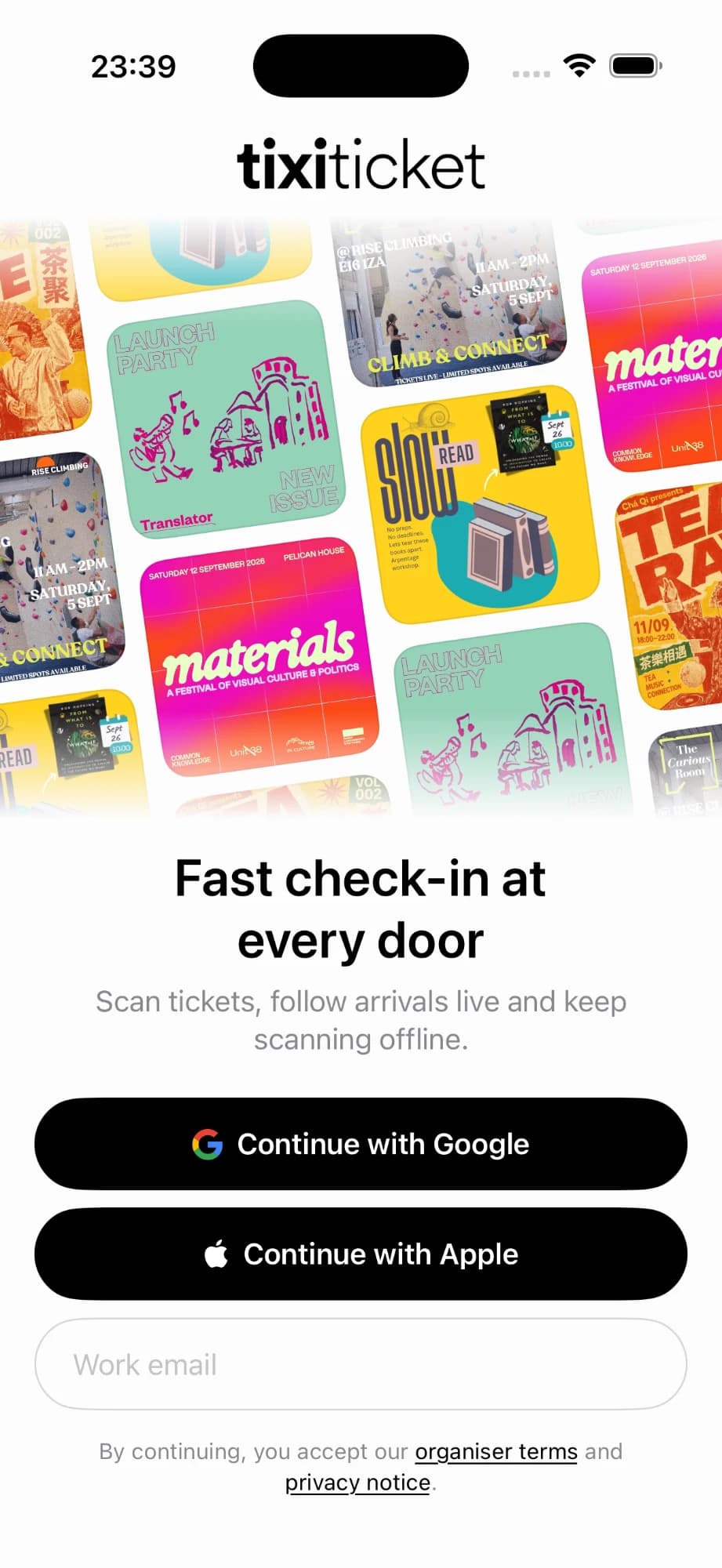
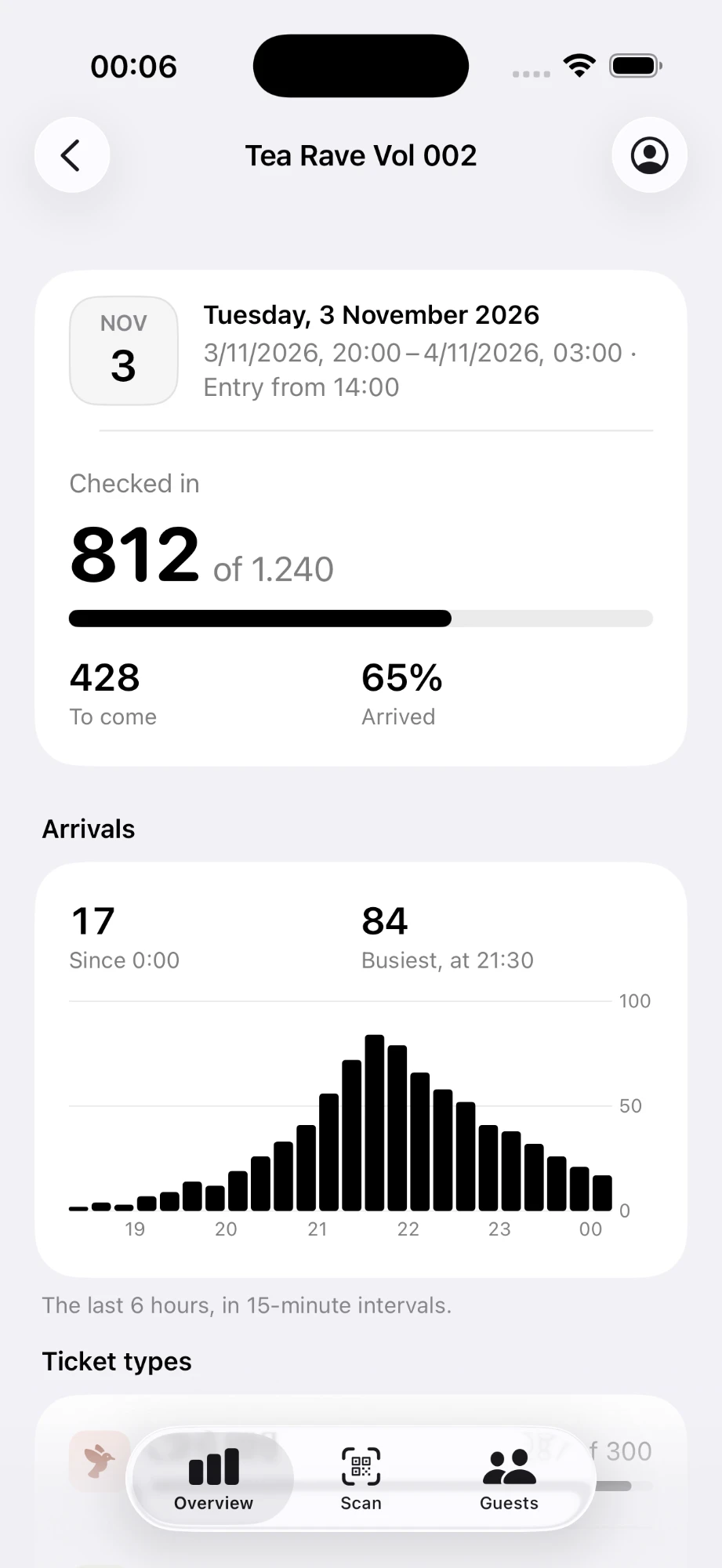
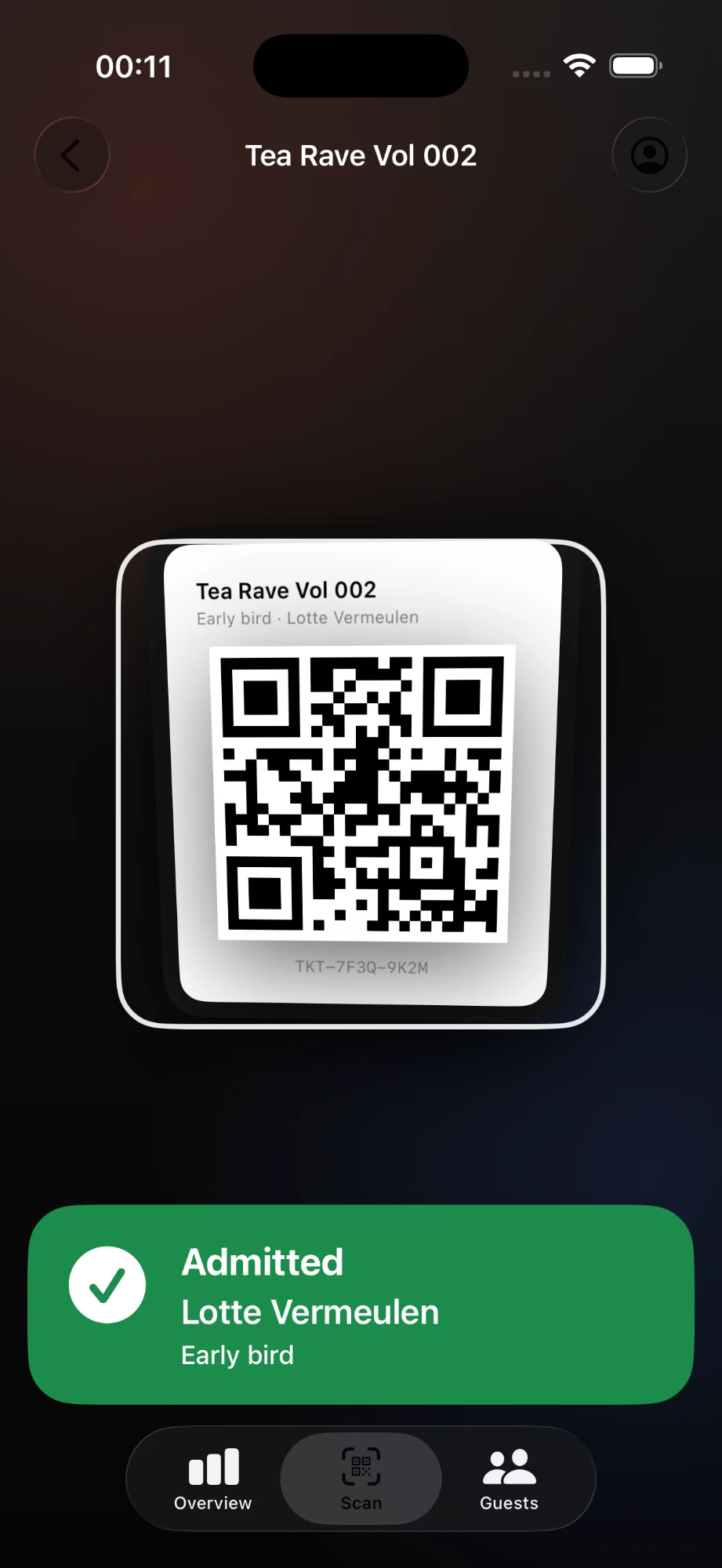
From doors open to the last guest in
Three steps, and the phone takes care of the rest of the night.
- Step 1
Open the event once
Sign in, pick the event and the phone downloads tonight's tickets. From here it can check them with or without a connection.
- Step 2
Scan at the door
Each QR code admits once. A refunded ticket, a ticket for another event or a second scan of the same code is refused on the spot, with the reason on screen.
- Step 3
Let the counts sync
Admissions sync to every phone and to your dashboard as they happen. Scans made offline follow the moment the phone is back online.
Common questions
Answers to common questions about the door app.
Still have a question? Browse the docs
Yes. Open the event once while online and the phone keeps the tickets it needs. It checks QR codes on its own and syncs the check-ins once it is back online. Codes typed by hand need a connection.
Yes. Every phone sees the same counts, and a ticket admitted on one phone is refused on the others. Use as many phones and entrances as the night needs.
Anyone you invite to your organisation. Door staff sign in with their own account, see only the events you give them, and lose access when you remove them.
A ticket admits once. Staff can check a guest out and back in from the guest's details, so a smoke break never turns into a refused scan.
Start selling tickets
Create your event, share your checkout link, and manage every order through to check-in.
Coming in November 2026
There are no subscription or setup costs, and free events carry no fees.